ANOTHER WAY TO PLAN YOUR WORKSPACE
Will your monitors fit?
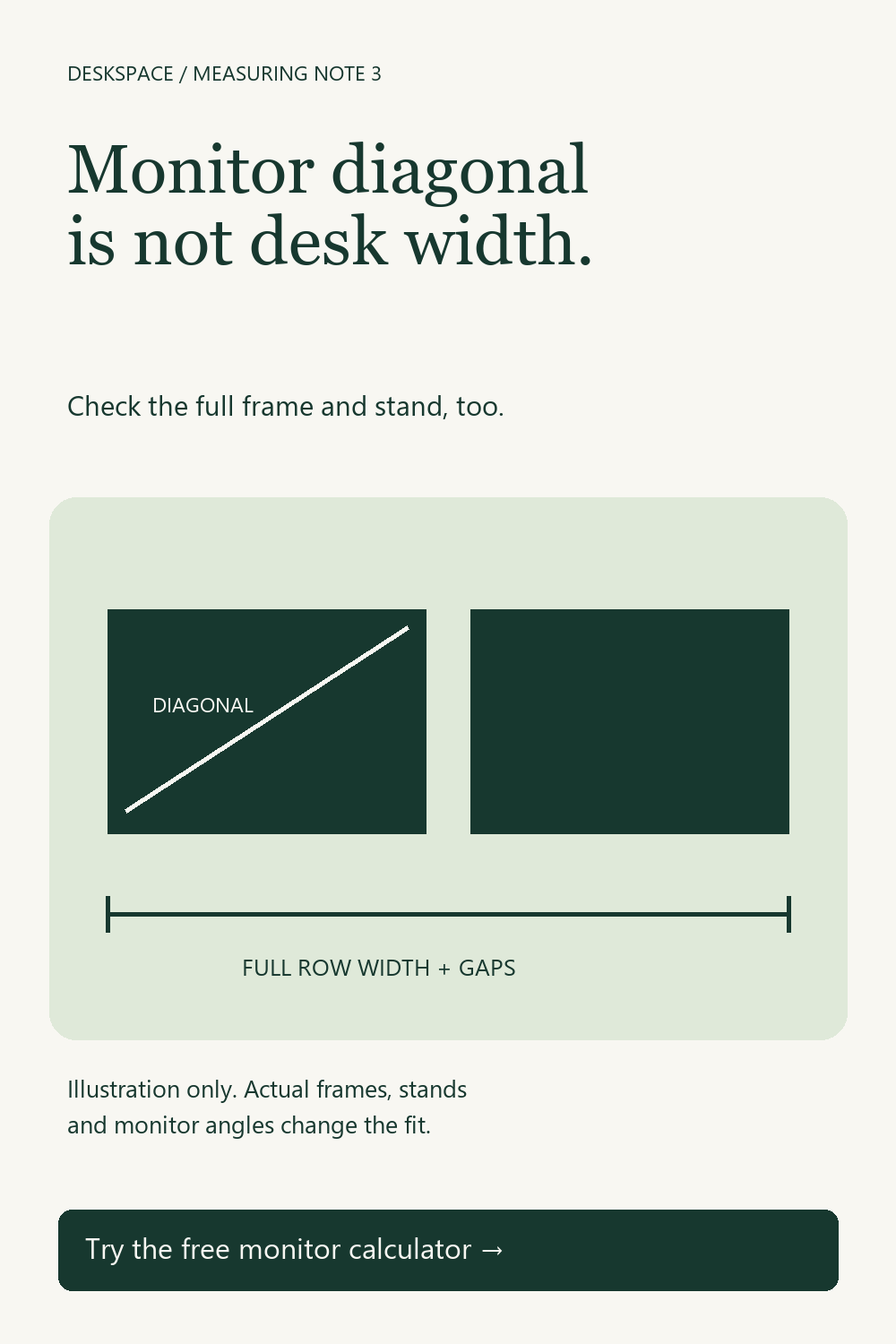
A diagonal screen measurement does not tell you its width. Estimate the active screen size from its aspect ratio, then add your own frame and gap allowances. This tool assumes identical flat, landscape screens in a straight row.
How the estimate works
For diagonal D and aspect ratio W:H, active screen width is D × W ÷ √(W² + H²). Height uses H in place of W. The row estimate adds your chosen frame allowance to every screen and a gap between adjacent screens.
What to verify before buying
Compare the manufacturer's actual outside dimensions with your plan. Check the depth and width of the stands, mounting options, cable access and the desk's capacity using the manufacturers' specifications. The calculator does not evaluate viewing distance, comfort, stability or load capacity. Curved, angled, rotated or mixed-size monitors need a different physical layout check.
Use the desk-space calculator to plan your room, or read why desk width and depth both matter.